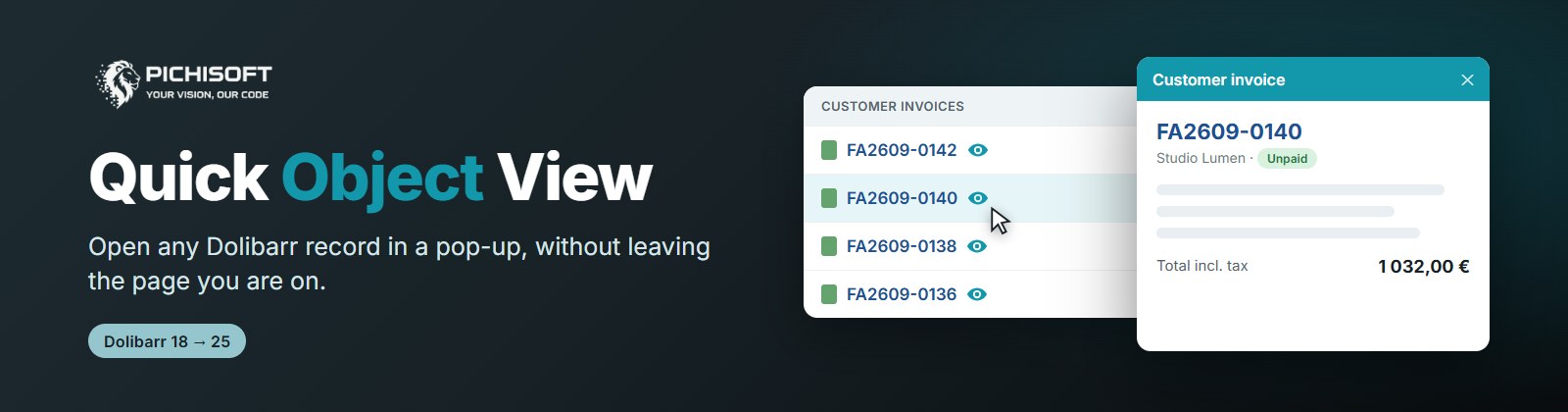
Open any Dolibarr record in a pop-up, without leaving the page you are on.
✅ Compatible with Dolibarr 18 to 25 (25 checked on its development version) · PHP 7.1 or later · No Dolibarr file modified: nothing to redo when you upgrade
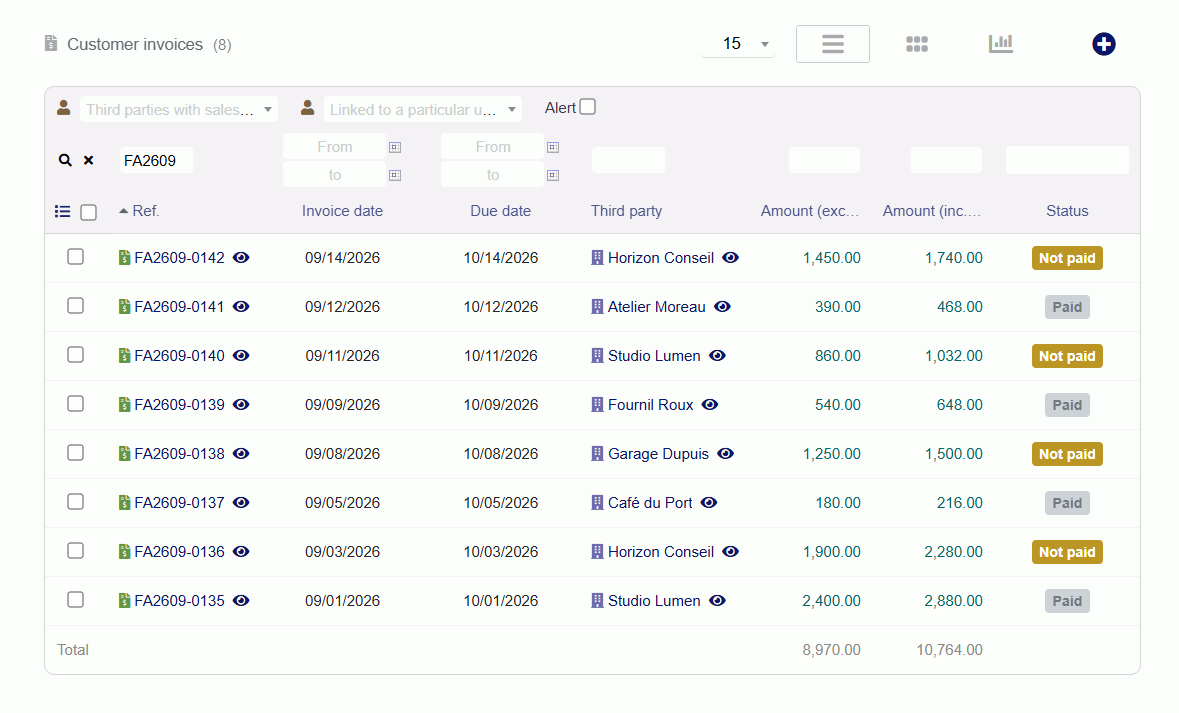
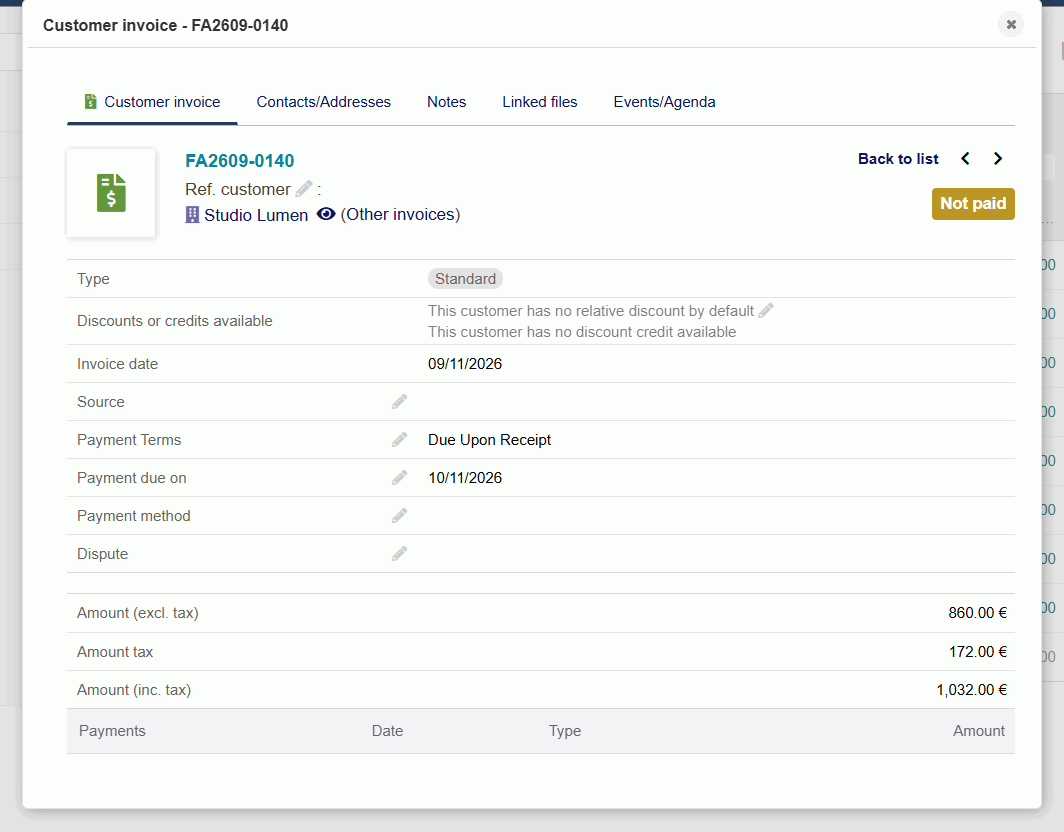
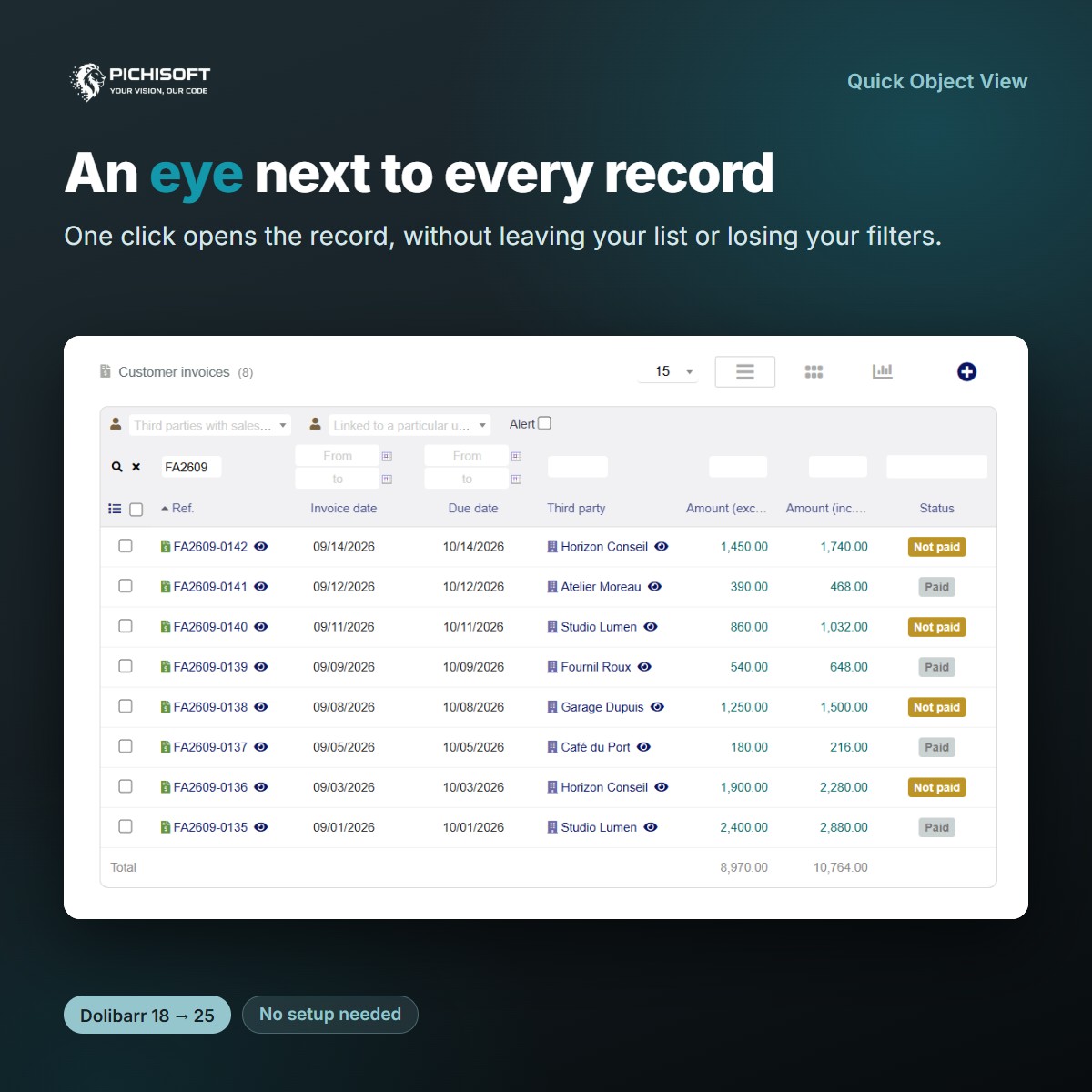
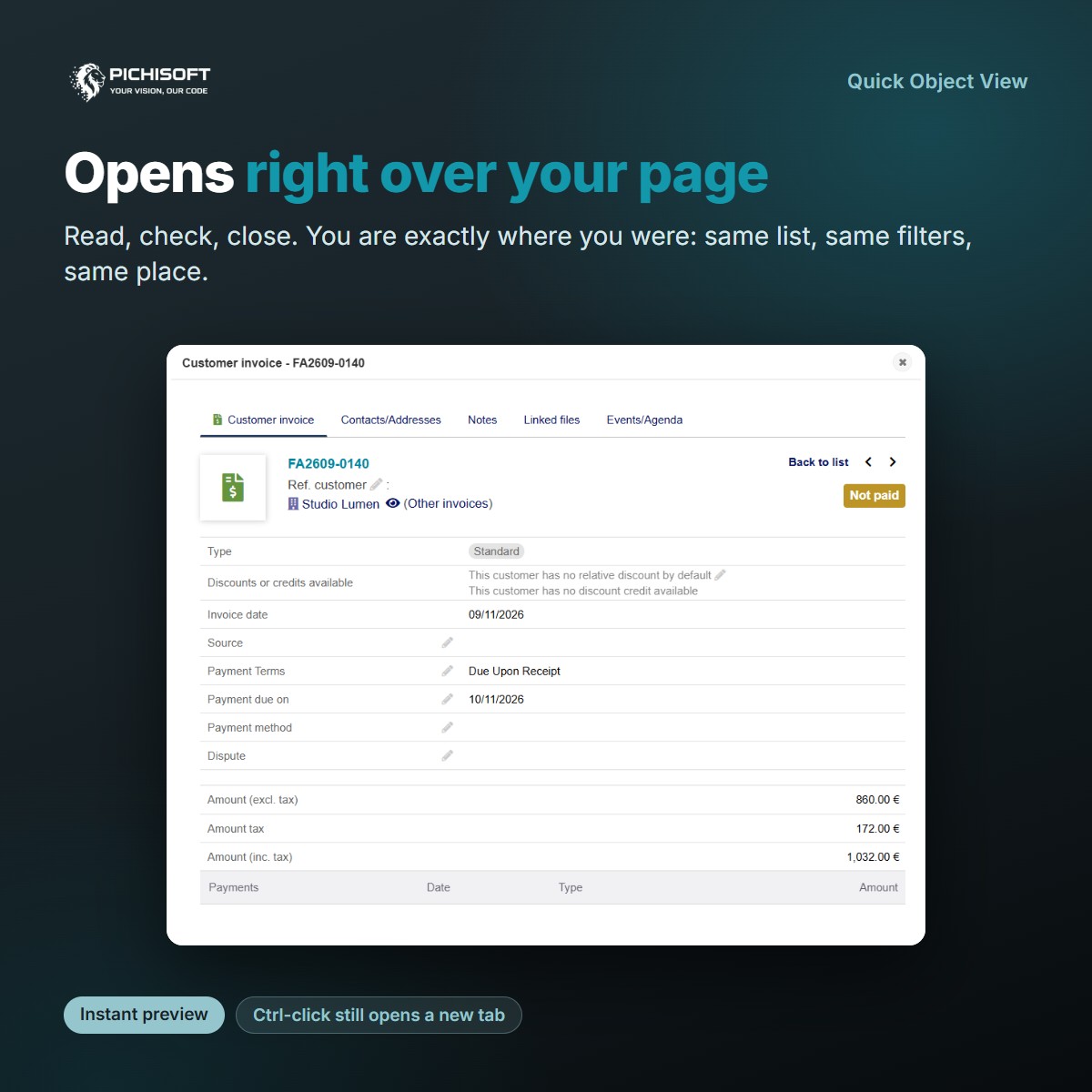
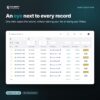
An eye appears next to every link to a record. One click and the record opens on top of your page. Close it and you are exactly where you were: same list, same filters, same place.
✨ Why you will love it
- Check without losing your place. Glance at a customer, an invoice or a product, then carry on with your work.
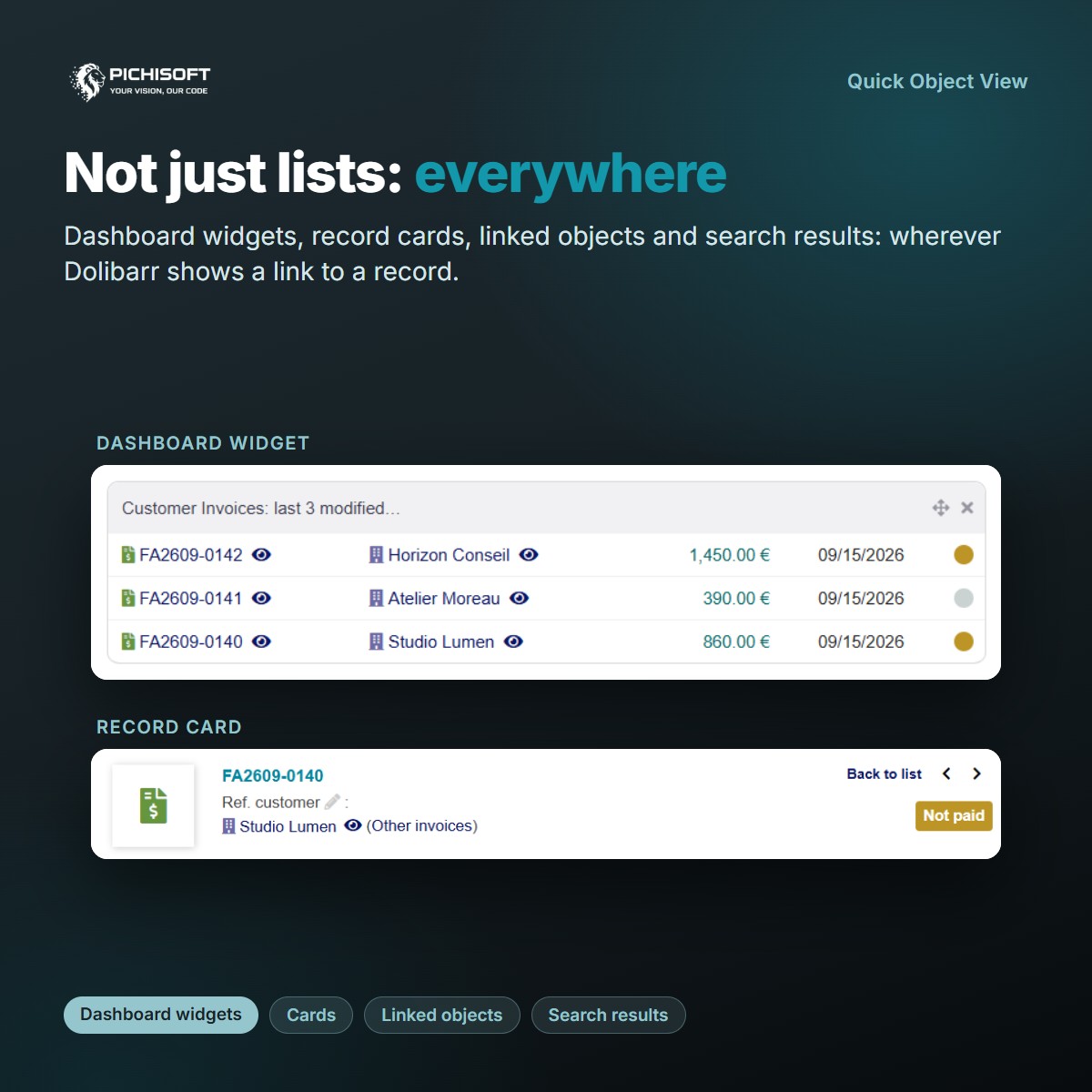
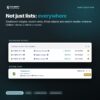
- Everywhere you see a link. Lists, dashboard widgets, record cards, linked objects and search results.
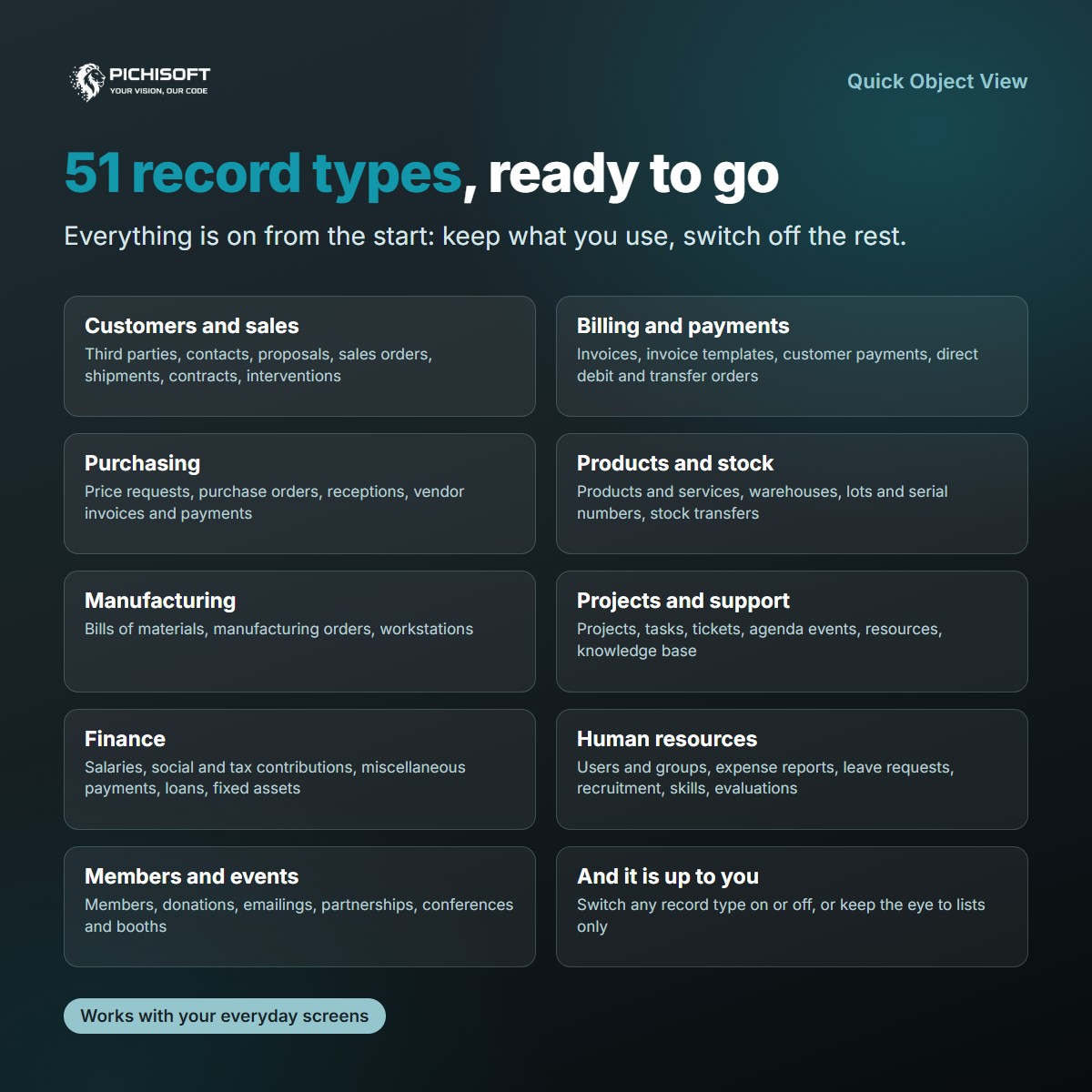
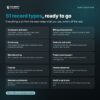
- 51 record types. Sales, billing, purchasing, stock, manufacturing, projects, human resources, members and more.
- Nothing to learn. No new menu, no new screen: just an eye, right where you already work.
- You decide. Choose which records show the eye, or keep it to lists only.
- New tab still works. Ctrl-click or middle-click opens the record in a new tab, as usual.
👀 See it in action
An eye next to each record, in every list
One click opens the record on top of the page
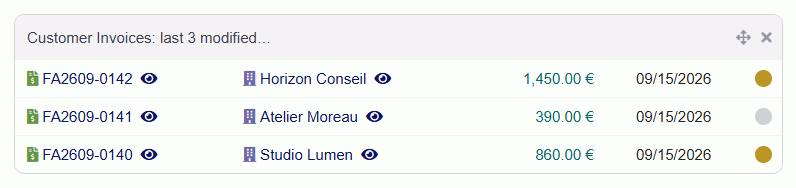
Also in your dashboard widgets
🧩 Supported records
- Customers and sales: third parties, contacts, commercial proposals, sales orders, shipments, contracts, interventions and intervention templates
- Billing and payments: customer invoices, invoice templates, customer payments, direct debit and credit transfer orders
- Purchasing: vendor price requests, purchase orders, receptions, vendor invoices and their templates, vendor payments
- Products and stock: products and services, warehouses, lots and serial numbers, stock transfers
- Manufacturing: bills of materials, manufacturing orders, workstations
- Projects, agenda and support: projects, tasks, tickets, agenda events, resources, knowledge base articles
- Finance: salaries, social and tax contributions, miscellaneous payments, loans, fixed assets
- Human resources: users and user groups, expense reports, leave requests, job openings, job applications, jobs, employee positions, skills, evaluations
- Members, events and communication: members, donations, emailings, partnerships, conferences and booths
Tasks need Dolibarr 19 or later, and tickets Dolibarr 20 or later.
⚙️ Up and running in a minute
- In Dolibarr, open Home › Setup › Modules/Applications › Deploy/install external module and upload the module file.
- Enable Quick Object View, in the Pichisoft (Pichinov) family.
- That’s it: the eye is already on every supported record. The module settings let you choose which records show it, or keep it to lists only.
On a Dolibarr version older than 18, Dolibarr refuses to enable the module and tells you why.
📖 Documentation
Installation, settings, licence and updates: everything is explained step by step in the documentation.
👉 Read the documentation
🛟 Updates and support
The module works fully without a licence. Activate yours in the Licence tab of the settings to get one-click updates, and reach our support team from the About tab.
🦁 Discover our other modules
Pichisoft designs Dolibarr modules made to last, and we use them every day in our own companies.
👉 Browse all Pichisoft modules
Quick Object View is published by Pichisoft under the GPL v3 licence.
3.3.1 (September 15, 2026)
Fixes
- Fixed the installation of updates.
3.3.0 (September 15, 2026)
New features
- The eye now appears wherever a record is linked: dashboard widgets, record cards, linked objects and search results, not only lists.
- 23 more record types can open in a pop-up, 51 in total: customer and vendor payments, invoice templates, receptions, stock transfers, workstations, resources, salaries, social and tax contributions, loans, donations, emailings, partnerships, job applications, skills and more.
- New name: Quick List Object View becomes Quick Object View.
Enhancements
- Every record type is switched on out of the box, with the eye shown everywhere. After updating, open the settings to switch off what you do not need: from now on, your choices are kept even when the module is disabled and enabled again.
- The settings page groups records by area and tells you when a record needs a more recent Dolibarr version.
- The module help page (description and changelog) is available in English and French, with the right module name and publisher.
- Clear compatibility: Dolibarr 18 to 25 (25 checked on its development version). On an older version, Dolibarr refuses to enable the module and tells you why.
- Ctrl-click or middle-click on the eye opens the record in a new tab.
- Licence tab: the key sits in a single masked field with an Activate / Deactivate button. Deactivating keeps your key.
- The support page has a link back to the About page.
- The module list shows the Pichisoft logo.
- French texts of the settings page reviewed.
Fixes
- In columns that shorten long names, such as the third party column of lists, the eye could disappear. It now stays visible and only the name is shortened.
- The eye no longer appears where it cannot be used: inside tooltips, next to a name shown without a link, or in e-mails sent by scheduled tasks.
- The module help page showed the technical name "QuickListObjectView" instead of the module name.
3.2.1 (September 1, 2026)
Enhancements
- The module has its own icon in the module list.
- The settings, Licence and About tabs share the same header icon.
3.2.0 (August 26, 2026)
Enhancements
- The licence and update server moved to a new address. Nothing to do on your side: your licence key and your update subscription stay the same.
3.1.1 (August 25, 2026)
Fixes
- The About page could stay blank.
- The settings screens showed a technical label as their title, different on each tab. They now all show the module name.
3.1.0 (August 24, 2026)
New features
- Licence tab: activate your licence to receive updates and support.
- Updates install in one click from the settings, after an automatic backup of the current version.
- New About page, with a support form that sends your request along with the technical context of your installation.
Enhancements
- The module keeps working fully without a licence: nothing is ever blocked.
- The module joins the Pichisoft family in the module list. Released under the GPL v3 licence.
3.0.0 (July 31, 2026)
New features
- The eye sits right next to the reference of each record, and nothing moves on the page after it is displayed.
- New option to also show the eye outside lists.
Enhancements
- If the pop-up cannot open, the record opens as a normal page.
- The eye is left out of CSV exports.
2.0.0 (July 31, 2026)
Enhancements
- No more extra column in lists: the button now uses the link already present on each row.
Fixes
- Columns no longer shift in lists that have a filter row.
- The button no longer ends up off-screen on wide lists.
- The button no longer disappears on rows the module did not recognise.
1.0.0 (July 31, 2026)
New features
- First release: open a record in a pop-up straight from its list, without leaving the page or losing your filters.
- On by default on customer invoices, commercial proposals and tickets; 25 more lists can be switched on one by one in the settings.
- No Dolibarr file is modified: nothing to reapply when you upgrade Dolibarr.









Reviews
There are no reviews yet.